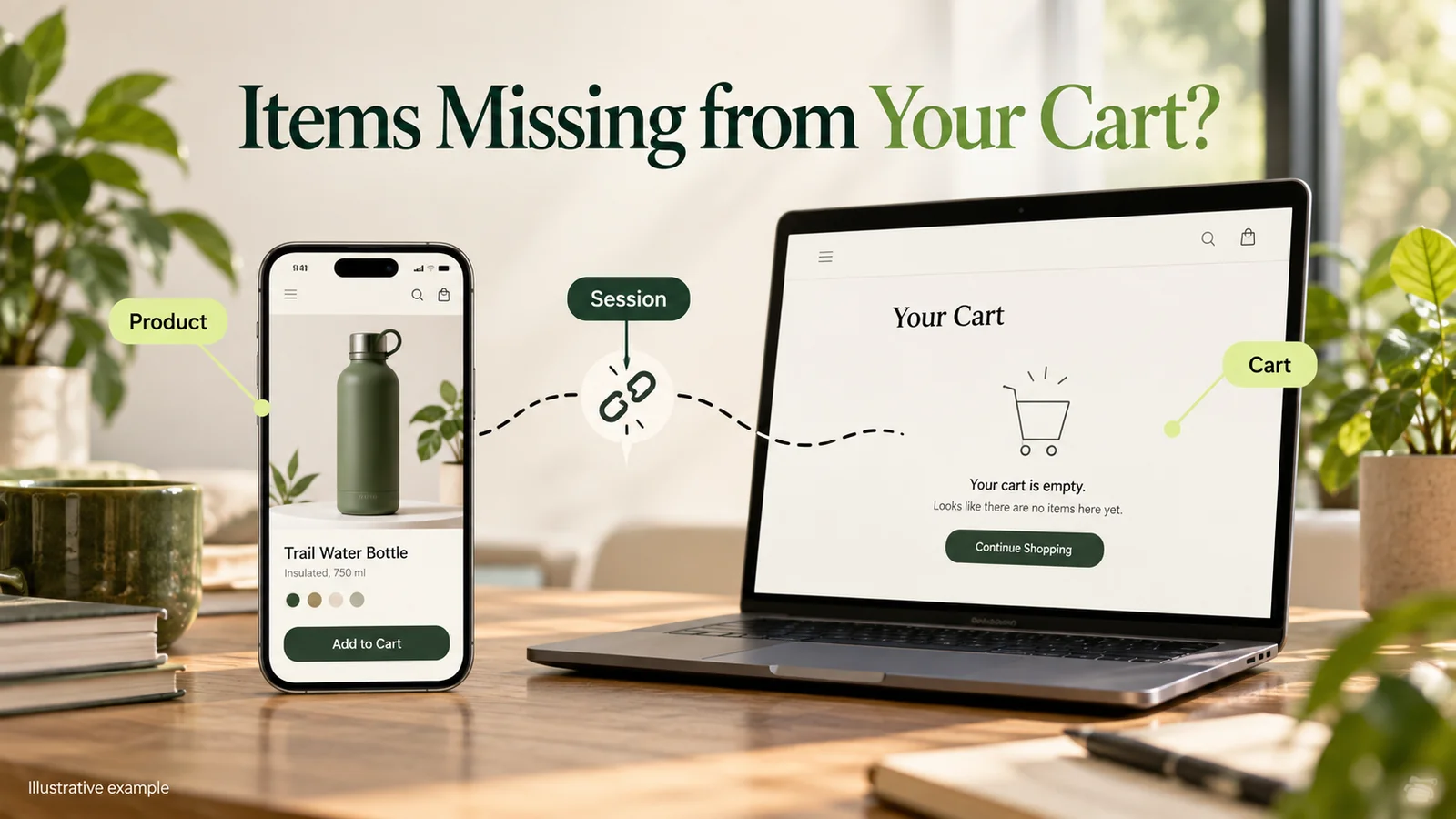
WooCommerce Cart Keeps Emptying? What to Check
Trace missing cart items through product selection, sessions and checkout. Check cache rules and redirects without exposing customer cookies.
Read article →THE JOURNAL
Practical ideas for building, improving and looking after your website.
Trace missing cart items through product selection, sessions and checkout. Check cache rules and redirects without exposing customer cookies.
Read article →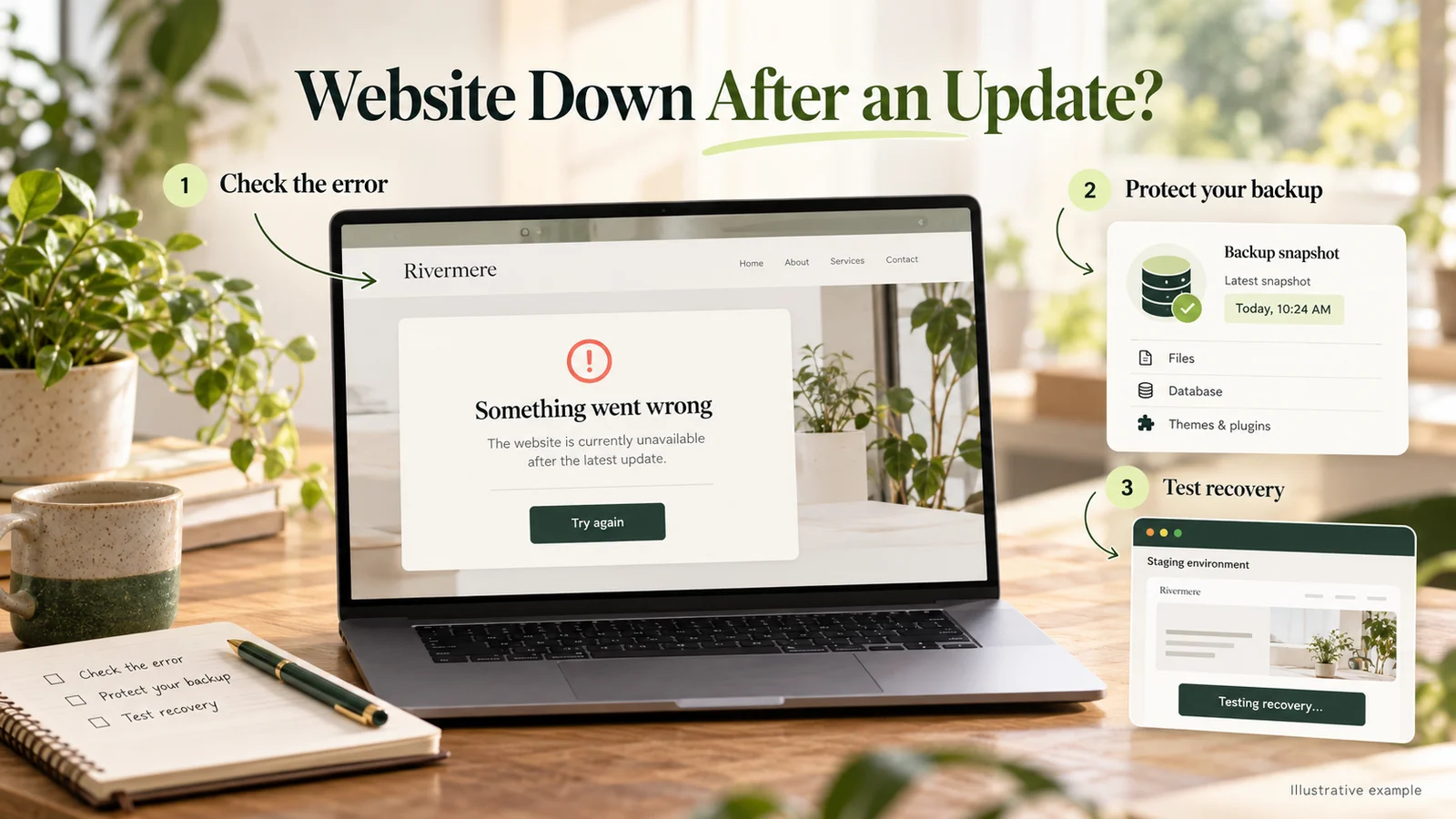
A calm recovery checklist for a critical error: protect backups, identify the failing component and avoid losing recent orders.
Read article →
Stop guessing at a jumping page. Find images, banners, embeds and fonts that move content, then reserve the right space.
Read article →
Find out whether image size, loading order or delivery is slowing your page. Improve images without losing important product detail.
Read article →
Edited a page but visitors still see the old version? Separate draft issues from browser, hosting and CDN caching.
Read article →
Find where checkout fails: totals, order submission, payment or confirmation. Test safely without accidentally charging customers twice.
Read article →
Check discovery, indexing, access and canonical signals in Search Console. Learn what a sitemap can—and cannot—do for a new page.
Read article →
A practical website care routine covering recovery, updates, forms and checkout—not just a row of plugin update notifications.
Read article →
Menu not opening on a phone? Check blocked taps, overlapping layers and delayed scripts before replacing your website header.
Read article →
Form says sent but no email arrives? Follow the enquiry from submission to inbox and check the sender, mail service and delivery logs.
Read article →
Find why your WordPress site feels slow. Check images, scripts, caching and checkout before spending money on more hosting.
Read article →