THE WP SMART WORK JOURNAL
Why Is My WordPress Site Slow? 7 Things to Check
Find why your WordPress site feels slow. Check images, scripts, caching and checkout before spending money on more hosting.

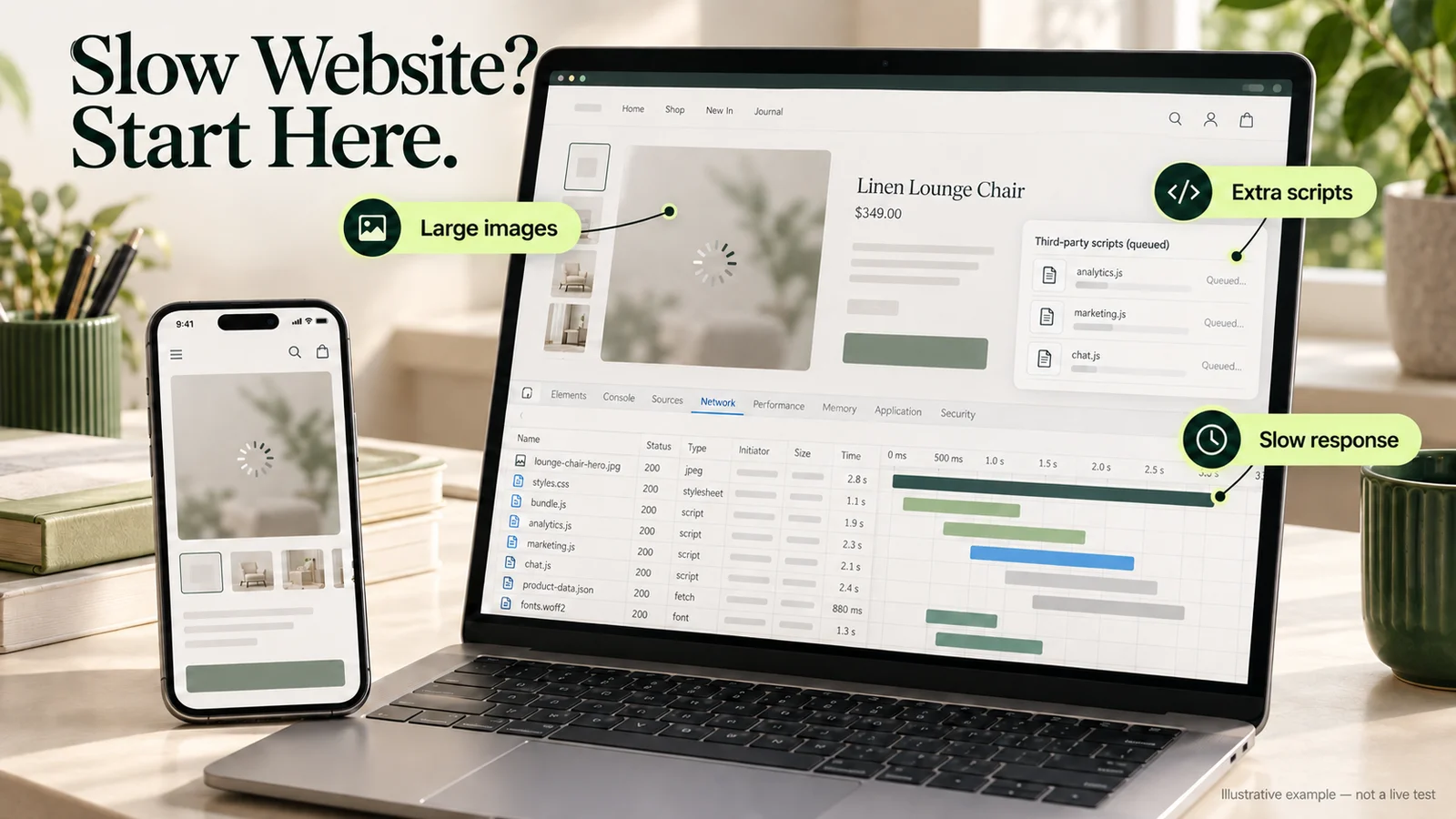
Short answer: a slow WordPress website is usually a delivery problem, a page-weight problem, an interaction problem—or a combination. Buying faster hosting may help, but it will not automatically fix oversized images, unnecessary scripts or a broken checkout. Start with the slowest important page, collect evidence, and change one thing at a time.
This guide is for business owners who want a faster website without losing enquiries, payments or the ability to edit their content. It is a diagnostic checklist, not a claim that every site can achieve a particular score.
In this guide
- Measure the right page
- Understand what is actually slow
- Fix images and scripts
- Protect checkout and forms
- Use the seven-day action plan
1. Measure the right page, not just the homepage
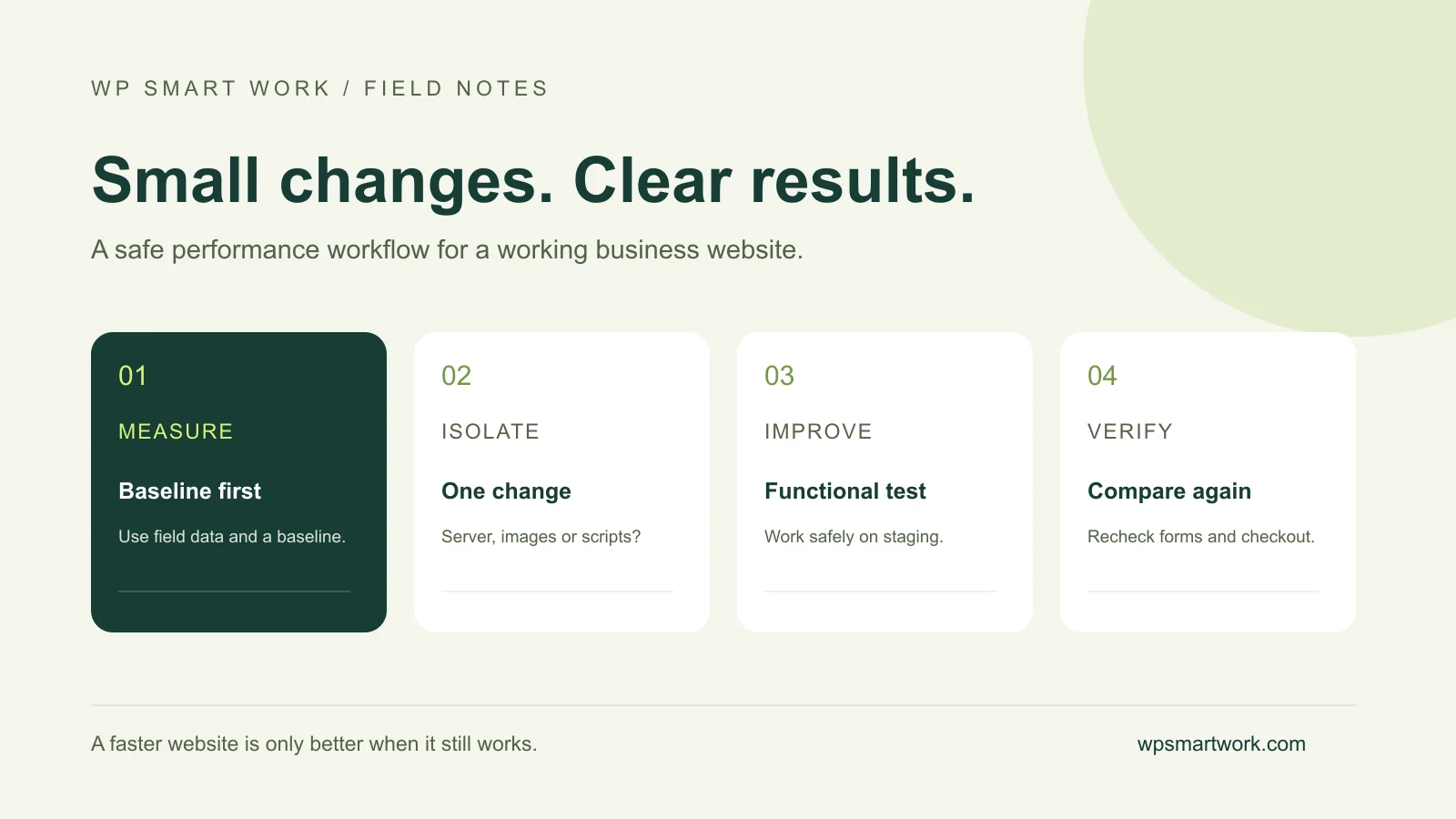
Choose a page that matters to your business: a service page receiving ad traffic, a popular product or a landing page with an enquiry form. Test it on mobile as well as desktop. Run a small number of repeat tests under comparable conditions and record the URL, device mode and time. A single unusually good result is not a reliable baseline.
PageSpeed Insights combines a controlled lab test with real-user information when enough field data is available. An absence of field data does not mean the site is fast or slow; it means you should not treat that report as a measured real-user verdict.
Keep a simple record: which page you tested, what felt slow and which change you made. For example, “the hero image appeared late on the mobile product page” is more useful than “the website needs optimization.”
2. Separate server delay from page weight
Watch what happens before and after the page begins appearing. A long pause before any useful content may point toward server response, cache misses, a slow database query or an external service. Content appearing quickly but taking a long time to finish may point toward heavy images, scripts, fonts or video.
These are clues, not proof. Use the browser Network panel and server logs to confirm the bottleneck. Ask your developer to distinguish a cached public page from an uncached request. If the two behave very differently, moving to a larger hosting package should not be the first automatic decision.
Useful question for your developer: “Which request or task is causing the delay, and what evidence shows that this change addresses it?” A clear answer makes your budget easier to control.
3. Fix the main image before installing another optimizer
An oversized first-screen image can make a clean-looking site feel slow. Uploading a huge photograph and displaying it in a small card does not necessarily make the download small. Use an appropriate image size, a suitable modern format and responsive image delivery where your theme supports it.
Reserve image dimensions so the layout does not jump while files load. Lazy-loading is useful for images lower down the page, but applying it blindly to the main above-the-fold image can delay the content visitors are waiting to see. Check the rendered result rather than assuming a plugin has chosen correctly.
If you use a background video, provide a lightweight poster and a sensible mobile experience. A moving hero should support the message, not prevent visitors from reading it or tapping the contact button.
4. Review scripts by purpose, not plugin count
“Too many plugins” is an incomplete diagnosis. A small number of expensive plugins can create more work than several lightweight ones. Review what each script does on the page: analytics, chat, advertising pixels, sliders, pop-ups or payment integrations.
Remove duplicate tracking installations only after checking which integration is responsible for real conversion reporting. Delay nonessential work where appropriate, but do not apply one aggressive delay rule to every script. Menu controls, consent choices and checkout actions must remain usable.
When a recent installation coincides with a slowdown, reproduce the issue on a staging copy. Disable or reconfigure one relevant component at a time. Avoid changing a live store during active campaigns unless you have a rollback plan.
5. Use caching without mixing up customers
Public-page caching can reduce repeated server work. That does not mean every response should be cached in the same way. Carts, checkout, account pages and personalized content need the correct exclusions or cache variation for the implementation you use.
Currency detection is another detail worth checking. If your store changes prices or displayed currency by location or session, confirm that a cached page cannot show one visitor another visitor's currency state. Test in a fresh session rather than relying only on your logged-in administrator view.
After a change, clear the relevant cache layers once and retest. Repeatedly clearing every cache while comparing results can hide the difference between a warm-cache visit and a first visit.
6. Test checkout and forms after every change
A faster score is not a successful result if customers cannot place an order. Check the actual journey, not just the top of the page.
- Open the mobile menu and follow a service or category link.
- Select product variations and confirm the displayed price.
- Add an item to the cart and check totals and currency.
- Test checkout using your gateway's approved test method.
- Submit an enquiry and verify delivery at its destination.
- Check account login and any wallet or membership functionality you use.
For a WhatsApp form, verify that the prepared message contains the right details and is actually sent by the visitor. For an email form, a success message on the website is not evidence that the email reached the inbox.
Keep payment tests controlled. Do not create accidental real charges just to see whether a button works. If your site needs targeted repair before performance work, start with a website bug investigation rather than hiding the issue behind another optimization plugin.
7. Read Core Web Vitals as experience signals
The three Core Web Vitals describe different problems: LCP concerns the main content appearing, INP concerns responsiveness to interaction, and CLS concerns unexpected layout shifts. Improving one does not automatically improve the others.
Google's published “good” thresholds are LCP at or below 2.5 seconds, INP at or below 200 milliseconds and CLS at or below 0.1. The field assessment uses the 75th percentile of visits. These are measurement thresholds, not a guarantee of rankings, sales or a perfect lab score.
Use the official Web Vitals guidance to understand the metrics. Your practical aim is a page customers can read and use comfortably, including on less powerful mobile devices and slower connections.
A simple seven-day action plan
- Day 1: establish the baseline. Pick two important URLs and document their mobile behaviour, test conditions and current functional problems.
- Day 2: inspect the first screen. Review the hero image, fonts, video and anything blocking useful content.
- Day 3: investigate server response. Compare cached and uncached delivery and check logs before deciding on a hosting upgrade.
- Day 4: simplify third-party work. Identify duplicated or unnecessary scripts, using a staging copy for risky changes.
- Day 5: validate business functions. Work through your forms, variations, cart, checkout and account checks.
- Day 6: retest consistently. Compare the same URLs and device modes, recording what changed instead of selecting the best-looking result.
- Day 7: publish carefully and monitor. Keep a rollback copy, check the live customer journey and review real-user data as it becomes available.
This schedule is a practical planning framework, not a promise that every site's performance work takes seven days. A broken integration, large catalogue or unusual server issue may require a different scope.
Will a faster website rank better in Google and AI search?
Speed supports a good experience, but it is not a substitute for useful content, crawlable pages and a clear business offer. A fast page with vague services or no trustworthy information can still be unhelpful. Fix technical friction and answer the questions your customers actually ask.
Google says the same foundational SEO practices remain relevant to its AI features. There is no special file or wording that guarantees an AI citation. Clear headings, direct answers, descriptive images, accurate references and accessible HTML help people and systems understand the page; they do not force Google, Bing, ChatGPT or Claude to recommend it.
Read Google's AI-features guidance and its people-first content guidance. Avoid publishing large volumes of repetitive articles simply to target more query variations.
Frequently asked questions
Should I upgrade hosting first?
Only if the measurements point toward a resource or delivery limitation. A hosting change will not shrink a large image or remove unnecessary browser work. Establish the bottleneck first.
Can I optimize WordPress without rebuilding the whole website?
Often, targeted changes are a sensible starting point. The right choice depends on the current theme, integrations and business requirements. Ask for a focused diagnosis before approving a rebuild.
Is a 100 performance score necessary?
No. It is more useful to improve customer-facing problems and check real-user metrics than to break features while chasing one lab score. Keep the score in context.
What should I send when requesting an audit?
Share your website URL, the slowest important page, the device you tested and any recent changes. Do not send administrator passwords in an enquiry form. Access, if needed, should be arranged separately and securely.
Get help with the part that matters
If your website is slow and you are unsure where to start, explore our website speed optimization service or request a free website review. WP Smart Work is based in Lahore, Pakistan, and the first step is a clear understanding of your website and goals—not a guaranteed score or ranking promise.