THE WP SMART WORK JOURNAL
WordPress Maintenance Checklist for Business Owners
A practical website care routine covering recovery, updates, forms and checkout—not just a row of plugin update notifications.

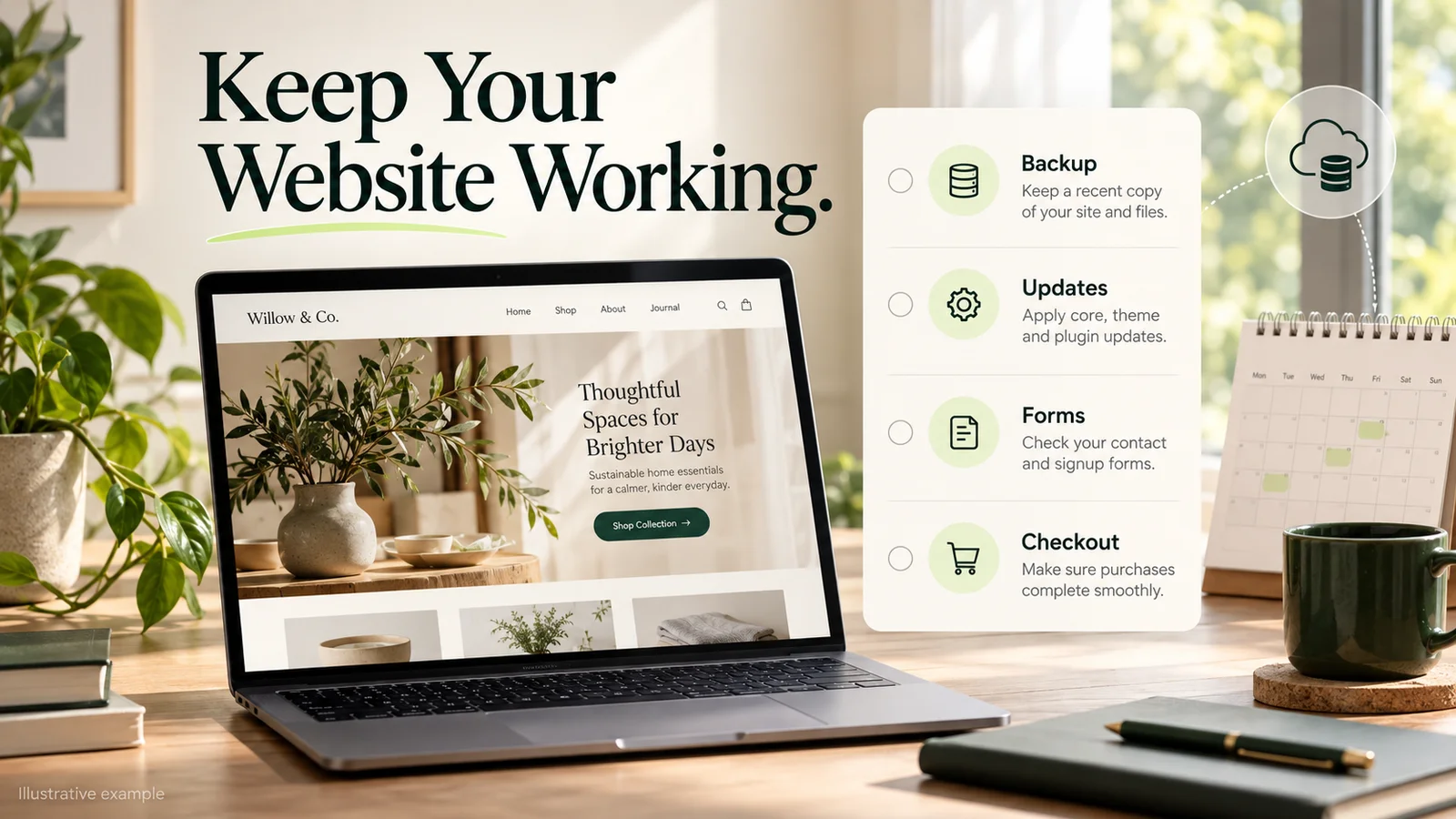
Short answer: useful website maintenance checks whether the business journey still works, not only whether plugins show an Update button. Keep a recoverable backup, review changes on staging, test enquiries and orders, and record what you did.
Keep a recovery route you can use
Know where backups live, what they contain and who can restore them. Files and the database serve different purposes. Keep access restricted and do not assume a successful backup notification proves restoration works. The WordPress backup documentation is a starting point for planning a suitable recovery process.
Review updates before a busy period
Check relevant compatibility notes and create a current recovery point before changes. Test consequential updates on staging, especially store, membership and payment components. Avoid changing several unrelated systems during an active advertising campaign unless the urgency justifies the risk and you have a rollback plan. Security fixes may need faster handling than cosmetic updates.
Test the revenue and enquiry paths
Open the mobile menu, follow a service link and submit a controlled enquiry. Confirm receipt at the intended destination rather than trusting a green success message. For a store, use an approved test method to check variations, cart totals and checkout. Confirm that testing did not create unintended real charges or customer notifications.
Review access and basic delivery
Remove access that is no longer needed through a controlled process, and keep owner recovery details current. Check the public site, important redirects, certificate status and error reports. Never share an administrator account with everyone simply because it is convenient. If specialist access is needed, arrange it securely and with an appropriate scope.
Look for changes, not just scores
Compare important pages under similar test conditions. Record a new error, a missing image or a form that became unreliable. A higher speed score does not compensate for a broken payment button. Our speed checklist explains why functional checks belong beside performance testing.
Agree what a care plan includes
Updates, backups, uptime checks, content edits and emergency repairs are different services. A clear subscription should state frequency, response expectations, exclusions and how additional work is approved. Do not assume a maintenance fee includes unlimited redesigns or guaranteed rankings. Explore website maintenance support or ask about your current setup.