THE WP SMART WORK JOURNAL
WooCommerce Cart Keeps Emptying? What to Check
Trace missing cart items through product selection, sessions and checkout. Check cache rules and redirects without exposing customer cookies.

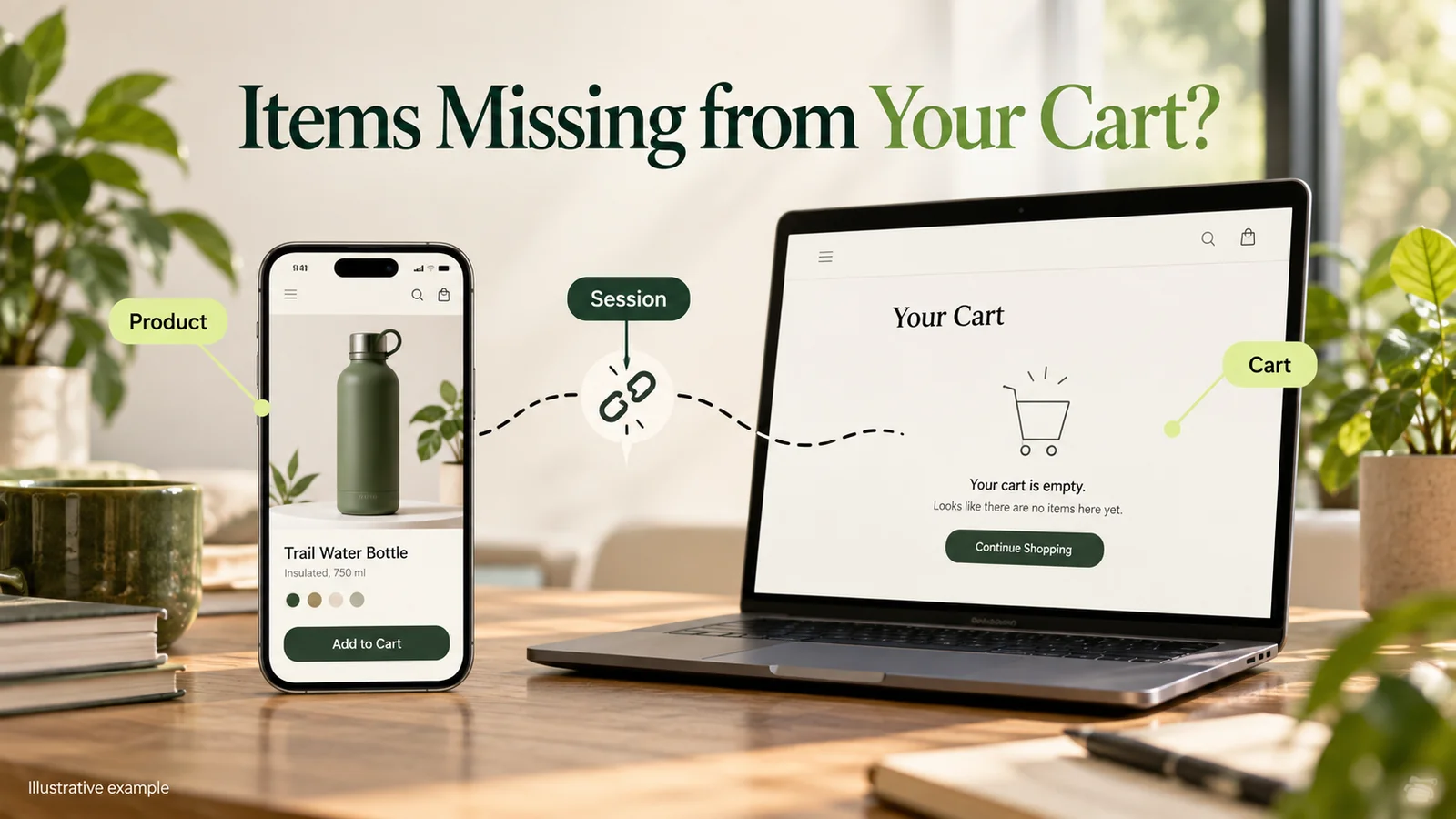
Short answer: if an item disappears between Add to Cart and checkout, investigate the customer's session and the requests that update the cart. An empty-cart message alone does not tell you whether the problem is caching, cookies, a redirect or an extension conflict.
Reproduce the smallest failing journey
Use one in-stock product, a fresh logged-out browser and a documented sequence. For a variable product, choose all required options. Check whether the cart count changes and whether the cart page contains the item before opening checkout. Record the exact URLs and redirects. Do not test by placing unnecessary paid orders.
Check domain and protocol consistency
Look for a journey that switches unexpectedly between different hostnames or HTTP and HTTPS. Review store URL settings and payment-return URLs with a developer. Do not change production URLs casually: login, media, webhooks and redirects can also depend on them. Browser privacy settings and extensions can affect a test, so compare one clean session without weakening security for everyone.
Review cache exclusions and session behaviour
Check the host, cache plugin and CDN configuration for personalized store pages and requests. Serving an old cart page can look like a lost session. Removing every cache is not a permanent diagnosis; identify which response is incorrect. The WooCommerce caching documentation is a starting point, but your host and checkout implementation also matter.
Investigate recent cart customizations
Buy Now buttons, currency tools, cart drawers and checkout extensions can change the normal flow. On a staging copy, compare the standard Add to Cart route with the custom route. Test one integration at a time and keep the same product and browser conditions. A CSS change cannot repair a failed server request or missing session state.
Verify totals and variations after repair
Confirm that quantity, selected variation, tax and any discount survive the journey. Check mobile and desktop, logged-in and logged-out cases if both are supported. If the cart works but payment still fails, follow the separate checkout investigation rather than declaring the whole purchase flow fixed. Until that article is published, contact us with your test steps.
What should my developer receive?
Provide the product URL, steps, browser details and a redacted request/error timeline. Never send customer session cookies in a public forum. If the fault appeared after optimization, compare against the safe performance checklist.