THE WP SMART WORK JOURNAL
WordPress Form Not Sending Emails? Start Here
Form says sent but no email arrives? Follow the enquiry from submission to inbox and check the sender, mail service and delivery logs.

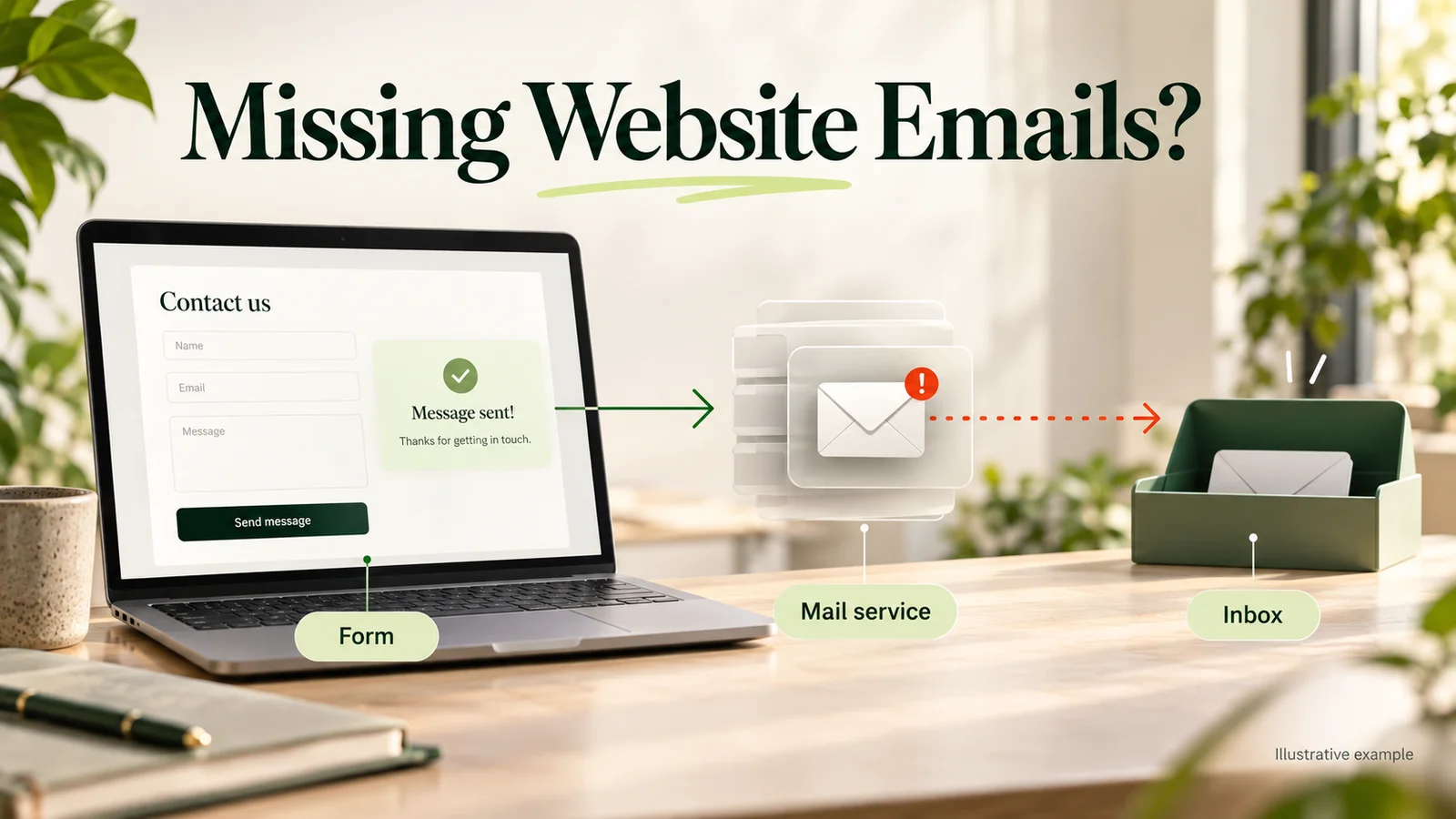
Short answer: a form saying “message sent” does not prove the email reached your inbox. First establish whether the form captured the enquiry, whether a mail service accepted it, and where delivery stopped. Do not replace a working form design until you know which step failed.
1. Send one traceable test
Use a unique subject such as “Website enquiry test — Tuesday morning.” Record the time and destination address. Check spam, mailbox rules, storage limits and any contact-form entry log. Avoid including customer information in test messages. If the form keeps entries, preserve them while investigating; they may be your only copy of a genuine lead.
2. Check the recipient and sender separately
The recipient should be the mailbox you monitor. The From address should belong to a domain your mail service is authorized to send for. Put the visitor's address in Reply-To rather than pretending your server is Gmail or the visitor's own mail provider. A spelling mistake or old test mailbox can look like a technical failure.
For background on sender-domain problems, see the WordPress troubleshooting documentation. Exact configuration depends on your form plugin and mail provider.
3. Test the mail connection
Use the mail provider's documented SMTP or API settings. Keep credentials on the server, not in browser JavaScript or a public repository. Review a redacted delivery log: was the message rejected immediately, accepted for delivery, deferred, or bounced later? “Accepted” is still different from “in the inbox.” Ask your mail provider to check SPF, DKIM and DMARC alignment if the sending identity is wrong.
4. Confirm the whole enquiry journey
Test the actual public form in a fresh browser, not only the plugin's test-email button. Check required fields, consent wording, spam controls and the confirmation message. Excessively aggressive protection can prevent real customers from submitting anything. After any website performance changes, repeat this test; delaying a form script can break submission.
What should I send my developer?
Share the form URL, test time, intended mailbox and exact error. Supply redacted logs through a secure channel. Do not send mailbox passwords in the enquiry itself. If messages are being lost, add a clearly visible alternative contact method while the fault is investigated.
Can a new SMTP plugin fix everything?
No. It can improve mail transport when configured correctly, but cannot fix the wrong recipient, an unavailable mailbox or a blocked form request. Diagnose first. For help following a missing enquiry from submission to inbox, request a website review.